Pushing VLAN Tags Through Unmanaged Switches
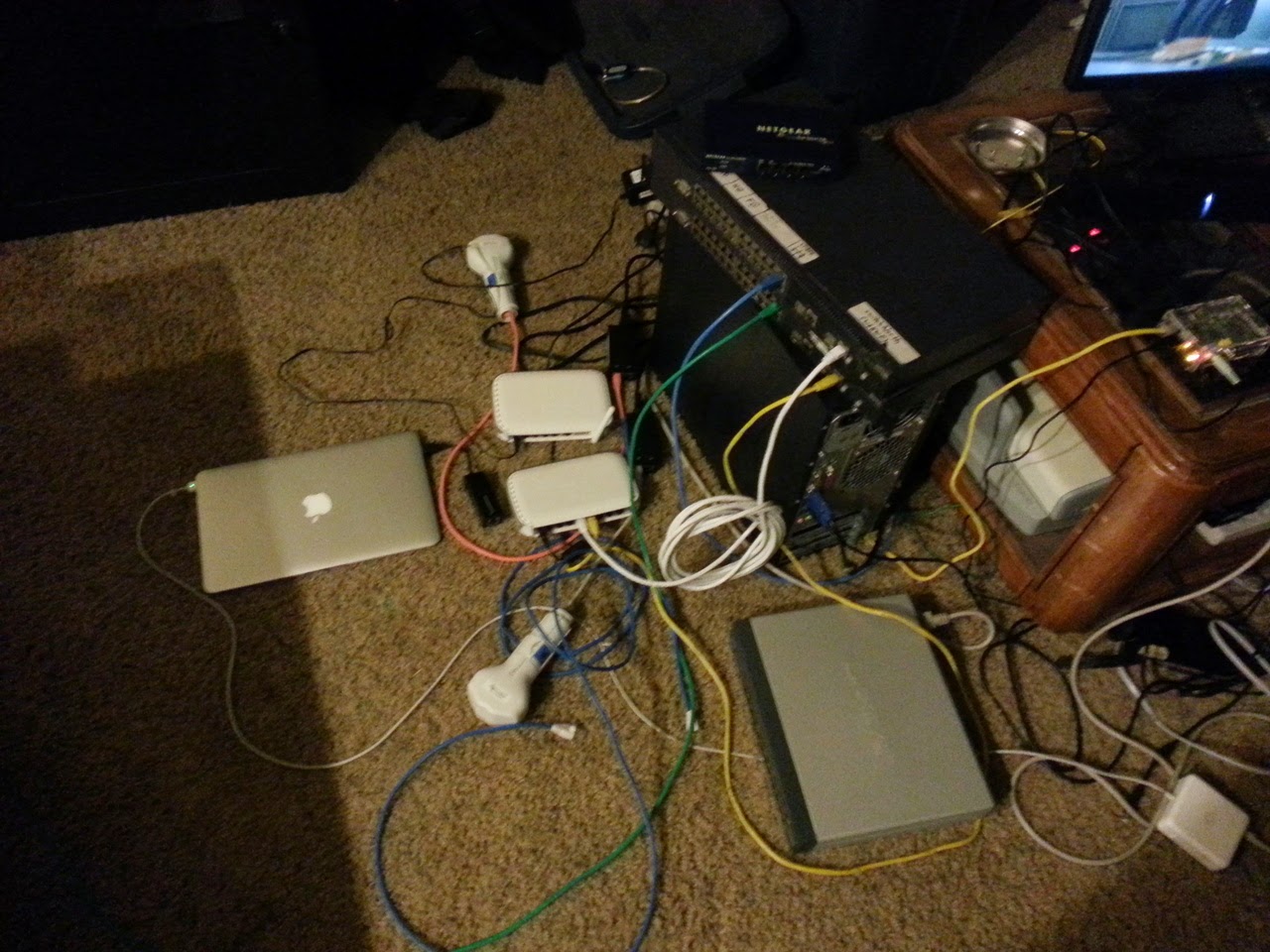
Now that it’s Spring Break and I’m in San Luis Obispo, it’s full speed ahead on building the communications network for the Wildflower Triathlon that CPARC supports every year. Wildflower is a very big event in the middle of nowhere (Lake San Antonio), so we have to build quite a bit of infrastructure to support the operation.
This year, I was designated as the computer network zonie, so it’s my job to make sure that there’s IP connectivity between all the major sites in the network. This involves building a computer network that includes a couple Internet hand-off points, multiple routers, several medium-range (2-5km) microwave links, QoS enforcement for a few hundred devices to support VoIP and streaming video while sharing a 15Mbps Internet uplink, a couple 802.1Q VLAN trunks, etc.
Needless to say, we are building a network beyond the budget we’re being given, so duct tape and Linksys devices are being applied liberally throughout this project.
One problem we’ve encountered this year is that we need a few network devices to be on the same layer two network while being two miles apart. These two sites don’t have line of sight, so we’re using two microwave links to bounce off a third site between them, while these links also need to carry a few other L2 domains. A perfect application for VLAN tagging.
The problem is that this middle site needs to run several repeaters and all of it’s network gear off of a generator and batteries for all weekend. The traditional technique of using managed rack-mount switches on every hop of a VLAN trunk is problematic since a single rack-mount switch exceeds our power budget for all the network gear at the middle radio site. Ideally, we find a small low-power managed switch to use, but I really want to just use a 5 port dumb workgroup switch in the middle since it runs straight off of 12V and only consumes a few watts.
Conventional wisdom dictates that you can NOT move 802.1Q VLAN tagged traffic through unmanaged network switches. Plot twist: apparently this is wrong. I took the time to set up a test where I used two L2 managed switches to tag and untag Ethernet traffic, and then put various unmanaged switches between them on their trunk line, and the VLAN tunnel kept working… This is really unexpected; I’ve had several networking techs tell me prior that what I did wasn’t possible, since the MTU of Fast Ethernet switches is only 1514 and the extra four bytes added by 802.1Q will break things.
As far as I can tell, none of the possible failure conditions we came up with cropped up during testing:
- Dropping the 1514+4 frames.
- Crashing
- Truncating the last four bytes
- Severely lowered throughput (The switches even continued to perform MAC learning)
Taking my experiment a set further, I plugged the unmanaged switches between a pair of GigE Linux systems and bisected the maximum L2 MTU that the switches could handle. The minimum needed for standard Ethernet is 1514, for VLAN tags 1518:
- SD216 v2.1 - 16 port Linksys Fast Ethernet switch - 1532
- SR224 - 24 port Linksys switch - VLANs worked, but physically destroyed before maximum MTU could be measured.
- ASW308P vA2 - 8 port AirLink 101 PoE switch - 1532
- FS608 v3 - 8 port NetGear switch - 1532
- DS104 - 4 port dual-speed hub (!) - at least 4014. NIC MTU limited further testing
So it would appear that the standard MTU for Fast Ethernet switches isn’t 1514, but actually 1532, which leaves a comfortable margin for the extra four bytes needed for 802.1Q tagging. Am I missing something, because I really thought this wouldn’t work before I tested it.
For reference, here is the MTU’s of the rest of the hardware I used for these experiments, on layer 3:
- RTL-8139 Fast NIC: 1500 L3
- BCM5722 GigE: 1500 L3
- RTL-8169 GigE: 7152 L3
- Intel 82571EB dual-GigE: 9216 L3
- RTL-8111G GigE: 4080 L3
- NanoBridge M5: 2024 L3 (set via web interface)
I didn’t bother testing if anything allowed a larger than 14 byte Ethernet header with these L3 MTUs, so you may have a bad time trying to run VLANs with the MTU cranked all the way up. I also didn’t bother researching device drivers, so you may be able to push these higher with not stock Debian drivers.
I also never saw ANY device successfully send ICMP responses for MTU discovery, so jumbo frames appear to still definitely be a thing for specially designed networks, for the record.
My testing process involved increasing the Linux system MTUs via “ifconfig eth0 mtu ####” until I got a “SIOCSIFMTU: Invalid argument” error, then placing the unmanaged switch between the two systems running iperf and lowered the MTU on one of them until the TCP connection stopped black-holing into the switch, which all silently dropped over-sized jumbo frames.